REFS → IMAGE
Compose with references
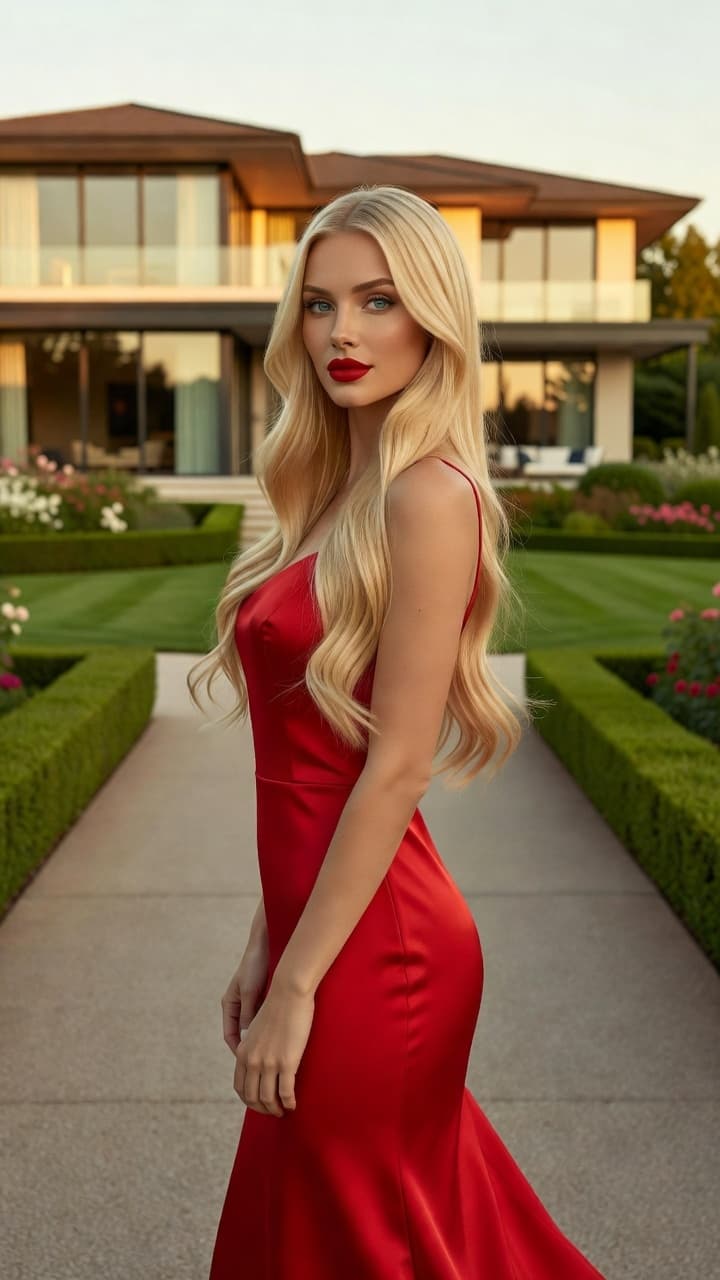
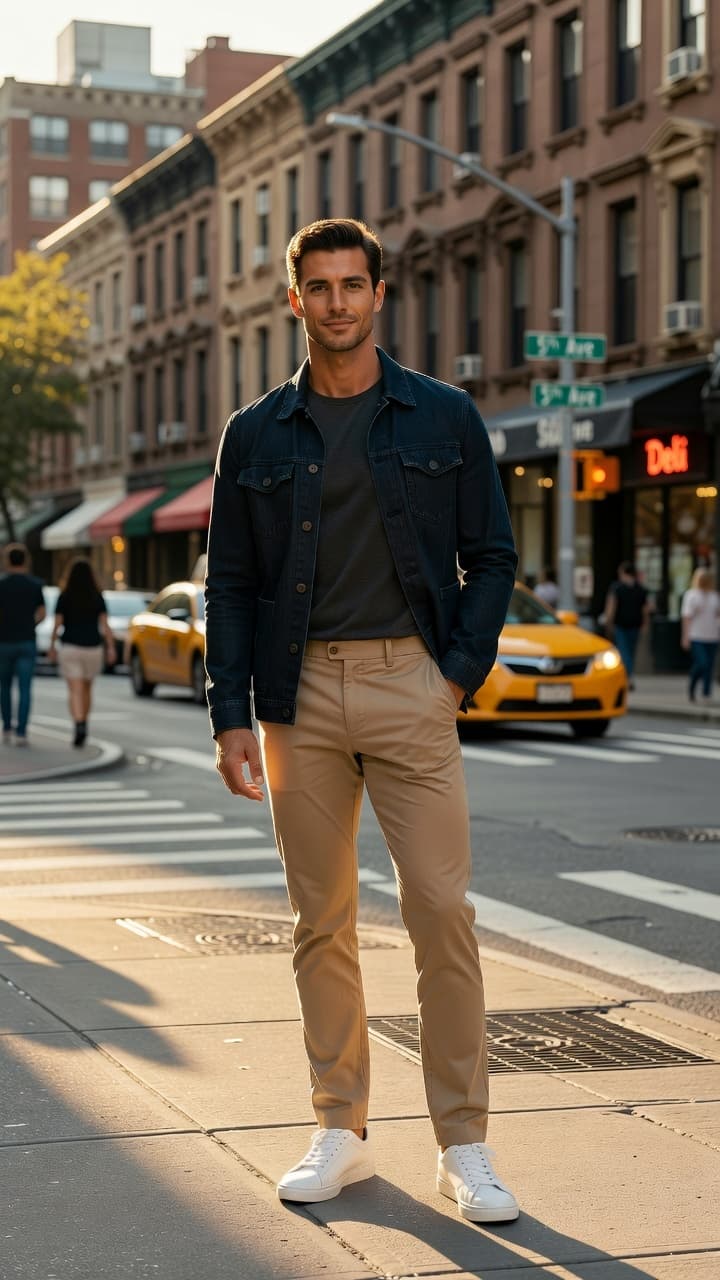
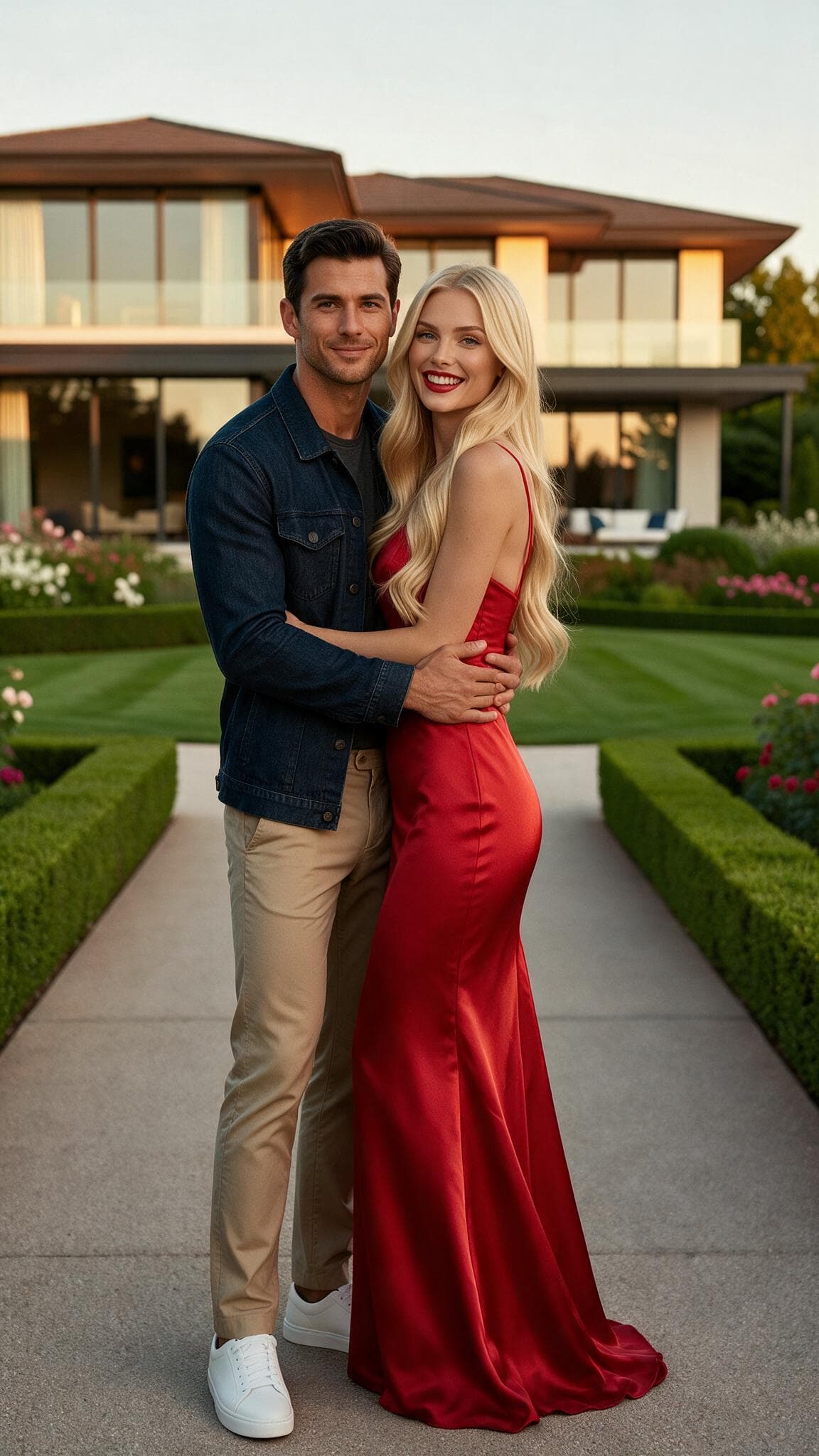
Combine people, products, outfits, and styles from up to four images.
How it works — Compose with references guide

Upload a photo or video. PixOne AI chooses the best and latest model to generate the exact result you want.
Free to try · No credit card required
One place for the models creators use
Start from a prompt
Generate an image now, then edit it, combine references, or turn it into video.
Made with PixOne
300K+
Creations
50K+
Creators
80+
AI models
One continuous workflow
Every tool opens directly in the editor with the right workflow ready.
Combine people, products, outfits, and styles from up to four images.
How it works — Compose with references guideMake a character follow the movement from a driving video.
How it works — Motion Transfer guide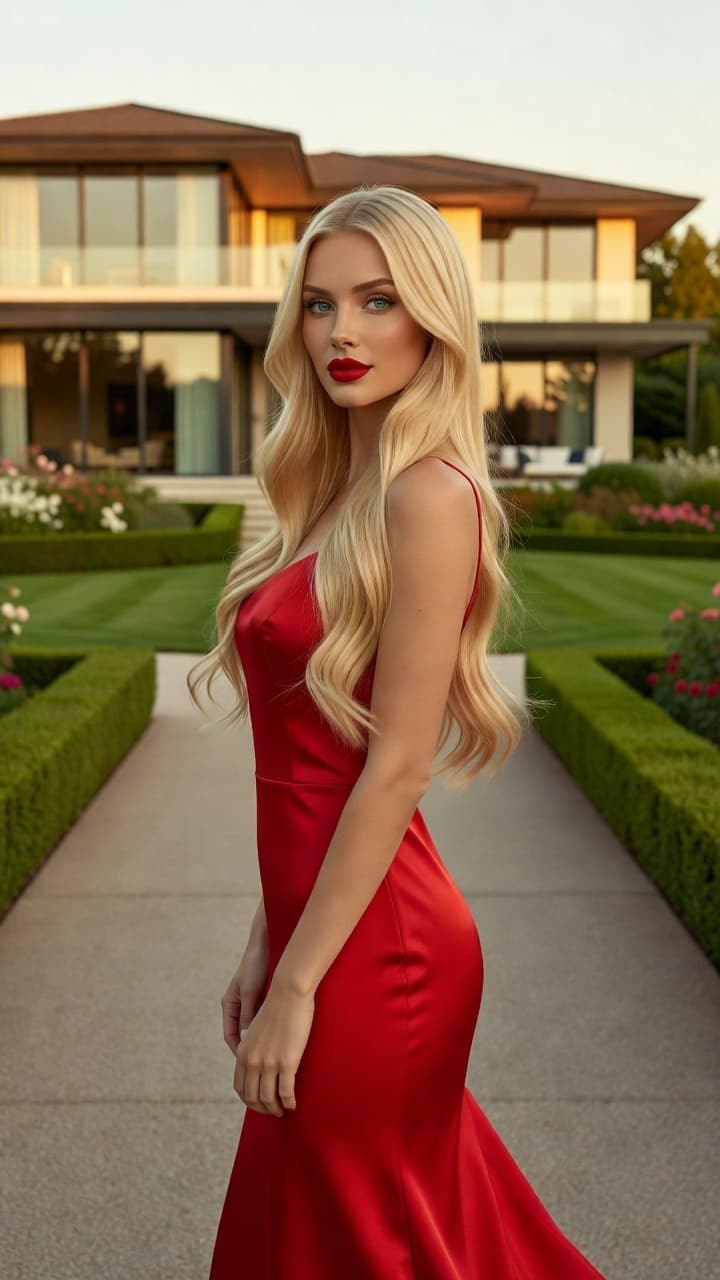
Change, add, or remove anything in a photo with a simple instruction.
How it works — Edit Image guideBring a still image to life with the model best suited to your prompt.
How it works — Animate Photo guide


Use a clear face reference and let PixOne handle the rest.
How it works — Face Swap guide


Transfer the complete head, including face, hair, and hairstyle.
How it works — Head Swap guide


Turn character and style references into one consistent video scene.
How it works — Scene from Refs guideRestyle or transform an existing clip using a simple instruction.
How it works — Edit Video guideAdd more seconds while keeping the scene and motion consistent.
How it works — Extend Video guideSharpen and enhance a finished video without learning any settings.
How it works — Upscale to 2K or 4K guideSwipe to explore tools →
Incognito Mode moves your work into a private, encrypted vault — built for sensitive or personal photos and videos you never want mixed with everyday creations. High confidentiality by default: nothing is published, nothing leaks into shared spaces.
Your media and results are stored with encrypted data, separate from your regular projects.
Generate and modify freely, then download your images and videos to keep them — and delete the originals in one tap whenever you want.
Flip the incognito toggle anytime — your private projects are waiting exactly as you left them.
How Smart Select works
Questions, answered
No. Smart Select analyzes your prompt and any image or video you provide, then chooses and configures the model most likely to produce the result you want.
How Smart Select works →Yes. Smart Select is the fastest path, but you can switch to manual selection whenever you want direct control over the model.
Automatic vs manual selection →You can generate images and videos, edit existing media, combine references, swap faces or heads, transfer motion, create video scenes from references, upscale clips, and extend videos.
The complete tools guide →Yes. Create an account and we will email you a voucher code for 75 free credits to generate images or videos. No credit card required.
Bring your prompt, image, or video. Smart Select takes it from there.
 Community