Build an AI video scene from character, object, and style references while keeping roles clear and motion prompts focused.
PixOne Team8 min read
Scene from Refs is designed for videos that need recognizable ingredients from several images. Instead of asking one still frame to contain everything first, you can provide character, object, and style references and describe the moving scene they should create together.
The creator rule that improves almost every result
First test whether the model keeps the important references recognizable in a simple scene. Once identity and composition work, retry with stronger action or camera motion. Refine the winning video afterward instead of front-loading every cinematic idea.
What is reference-to-video generation?
Reference-to-video generation conditions a video model on multiple images. Each reference can represent a person, character, product, environment, costume, or visual style. The prompt explains their roles, relationships, action, and staging.
When to use it
Creating scenes with one or more recurring characters.
Combining a character reference with a product, outfit, vehicle, or location.
Maintaining a recognizable style across a generated video.
Producing a new moving composition rather than animating one fixed canvas.
How to use reference-to-video generation in PixOne
Choose Scene from Refs. The tool can be selected from an image or video workspace; output is created in the video tab after generation.
Attach the essential references. Use the plus button to add up to four clear images.
Assign each reference a role. State which character, object, outfit, environment, or style comes from each reference.
Describe one coherent scene. Specify who does what, where they are positioned, and how the camera moves.
Generate with Smart Select. Only compatible reference-to-video models are considered.
See it in action
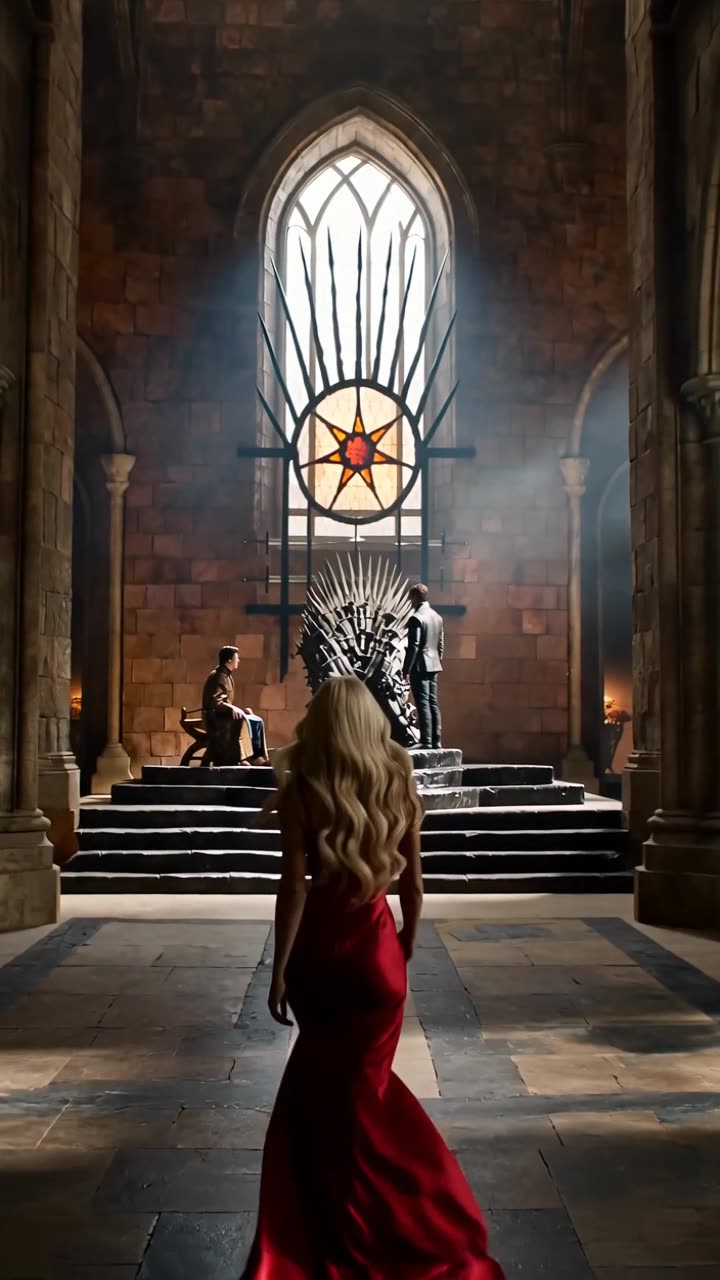
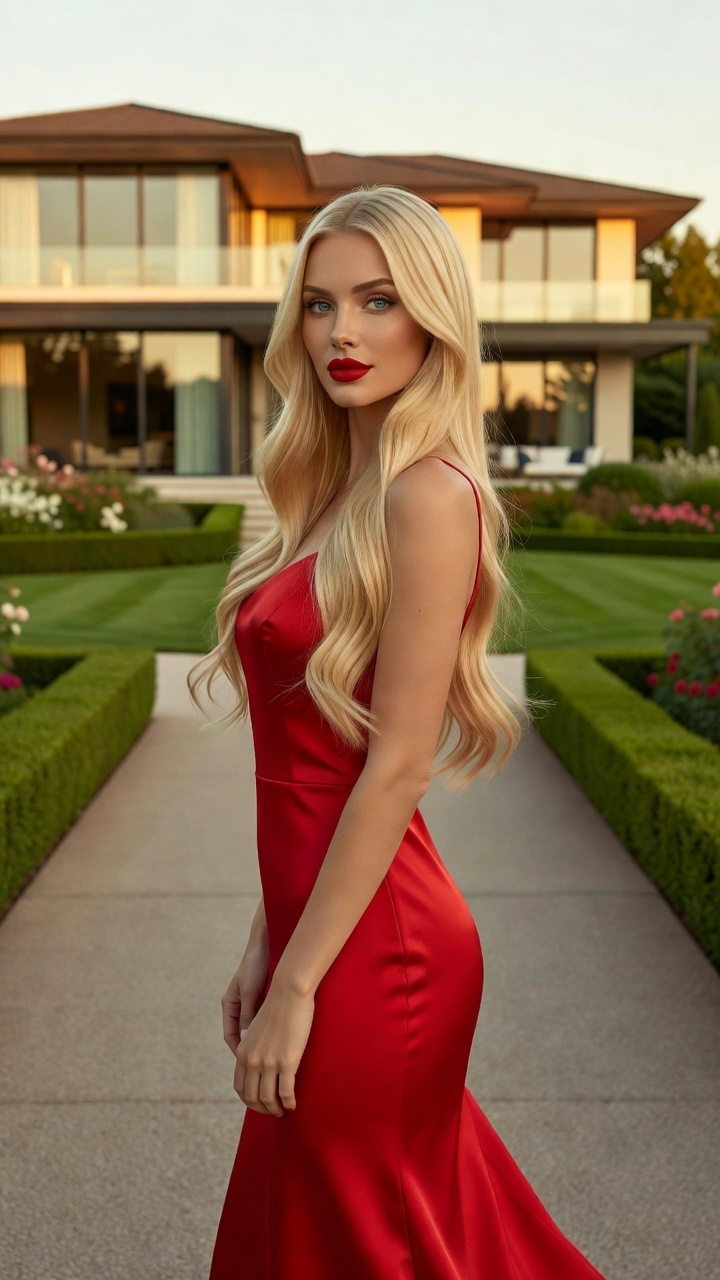
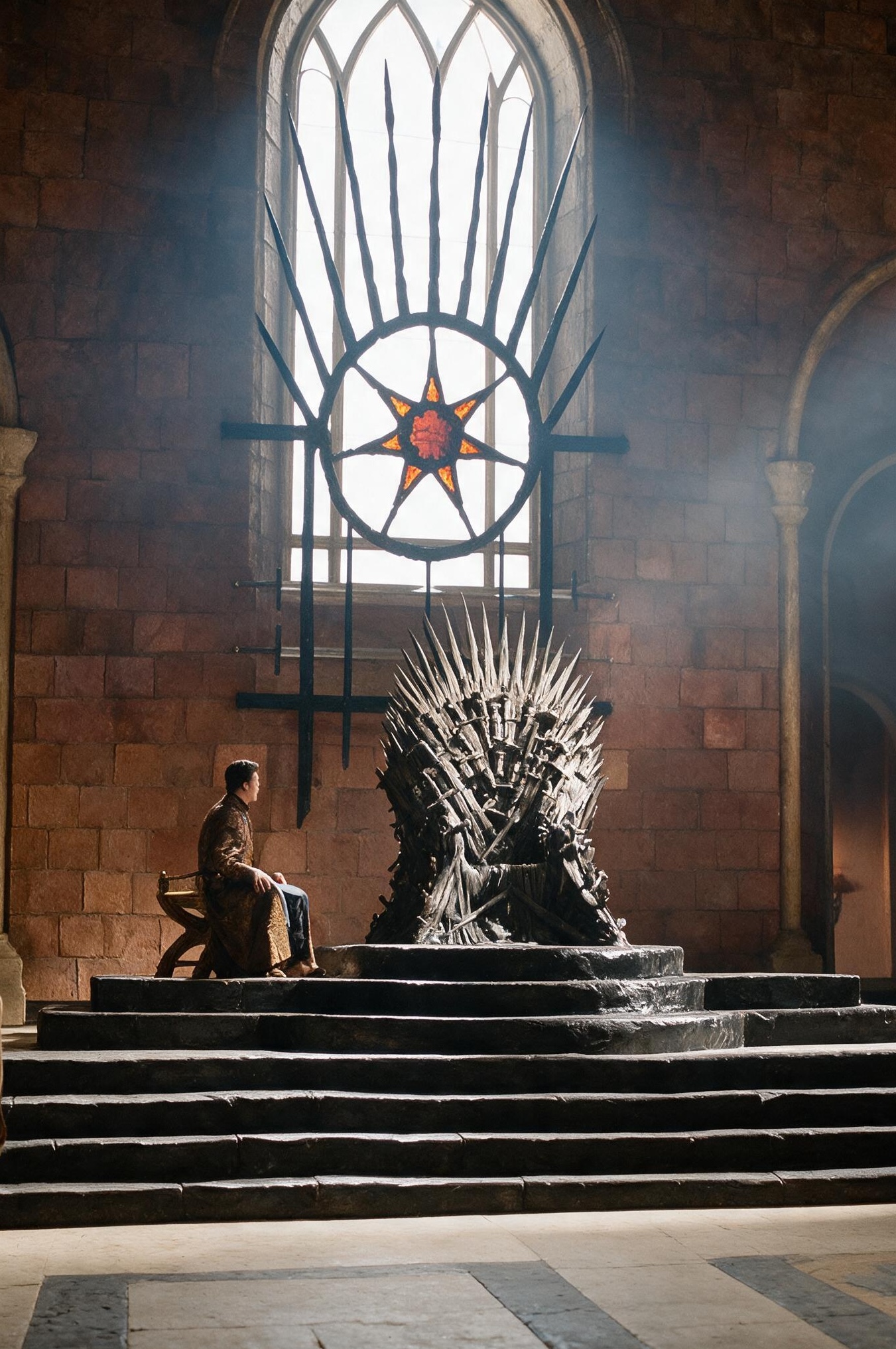
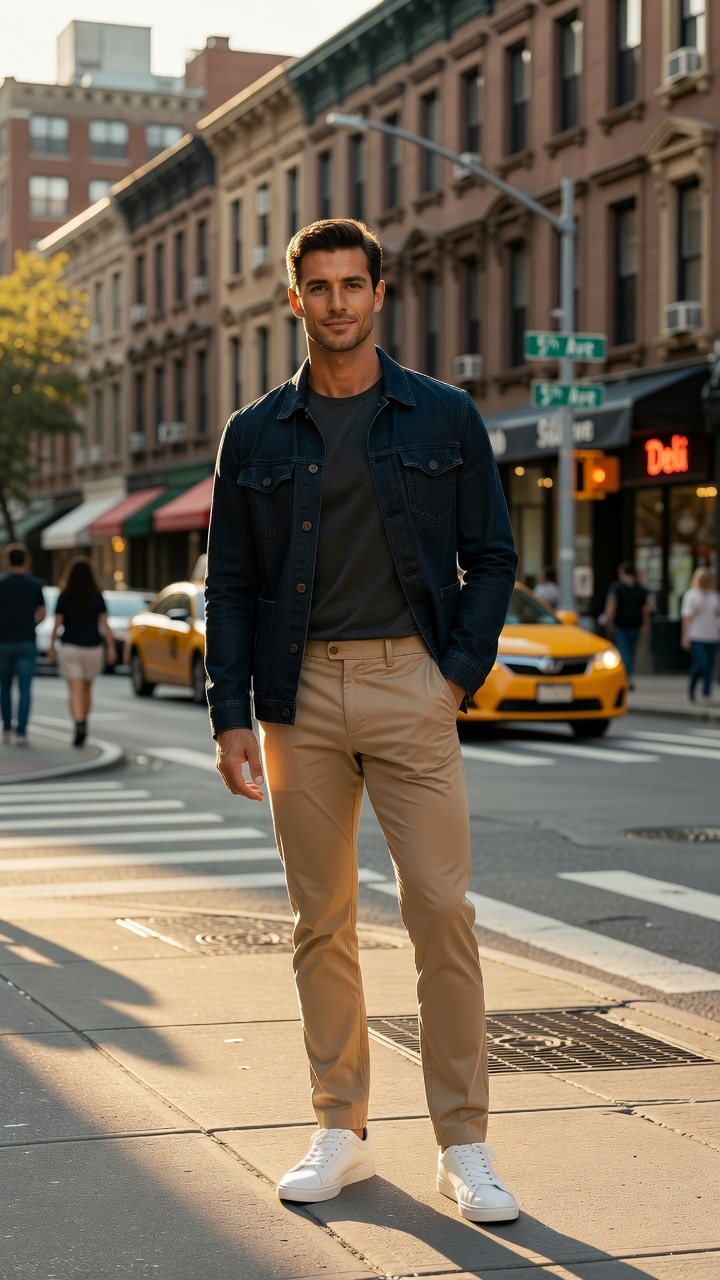
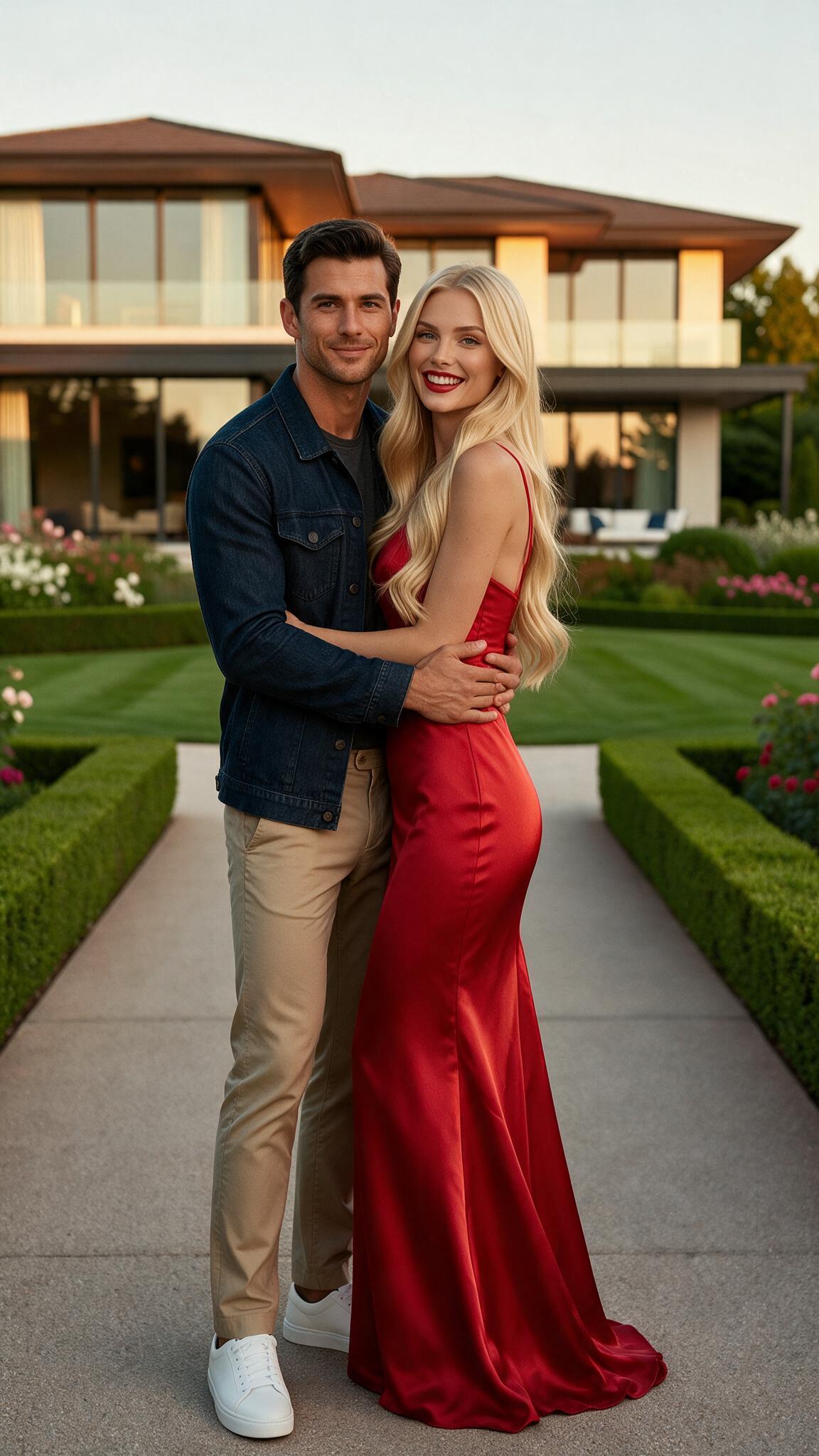
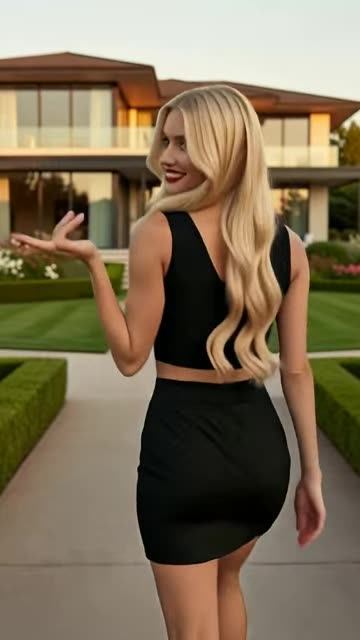
Reference 1Reference 2Reference 3Output: the generated scene
Prompt examples that work
Character and location
“The woman from the first reference walks through the market shown in the second reference, looking at the stalls. Smooth tracking shot from her left side.”
It assigns identity and location separately, then adds one action and one camera move.
Two characters
“The two referenced characters meet in a hotel lobby, recognize each other, and shake hands. Keep both faces recognizable in a medium two-shot.”
It defines interaction, staging, and identity visibility.
Product scene
“Feature the referenced perfume bottle on wet black stone in the visual style of the final reference. Slow macro orbit with drifting mist.”
Product and style roles are explicit and the movement suits a short clip.
Tips for better results
Use the fewest references needed to communicate the scene.
Prefer one clear subject per reference when identity matters.
Name spatial relationships so several subjects do not merge.
Keep action achievable within a short clip and avoid long story summaries.
Common mistakes to avoid
Adding references that do not have a defined role in the prompt.
Using several nearly identical character images without explaining why.
Describing a multi-scene narrative with cuts, locations, and costume changes in one generation.
Keep Smart Select enabled
Smart Select reads your prompt, the active tool, and attached media, then scores compatible models for the exact job. It usually saves credits by avoiding models that are a poor fit while improving the chance of a useful first result.
Continue your workflow
Build the result in stages instead of forcing every decision into one generation: