Combine characters, outfits, objects, and styles from multiple reference images with clear roles, ordered references, and reliable AI prompts.
PixOne Team8 min read
Compose turns several visual ingredients into one new image. It is useful when text alone cannot describe a specific face, garment, object, or style. The key is to give every reference one job and explain the relationship between them.
The creator rule that improves almost every result
Use Compose to establish the cast and major visual ingredients. Then switch to Edit for wardrobe, anatomy, pose, or lighting corrections. Only animate the selected final still; video generation should not be asked to repair an unresolved composition.
What is AI image composition?
AI image composition uses a canvas image plus up to four attached reference images. The references can supply identity, clothing, products, poses, environments, or visual style. PixOne sends them in order and Smart Select considers the complete reference set when choosing a compatible multi-reference model.
When to use it
Putting a person from one photo into clothing from another.
Combining multiple characters in a shared scene.
Applying a product, prop, room, color palette, or visual style from references.
Building a controlled hero image before animation.
How to use AI image composition in PixOne
Choose the canvas. Select the image that should contribute the main composition, person, or camera framing.
Select Compose. Open Tools, choose Compose, then use the plus button to attach up to four references.
Give every reference a role. In the prompt, identify what to borrow from the first reference, second reference, and so on.
State the final scene. Describe the finished image, not a sequence of vague copying operations.
Generate, select the strongest composition, and refine it with Edit. Once the ingredients are combined, use smaller edits for polish.
Example reference set
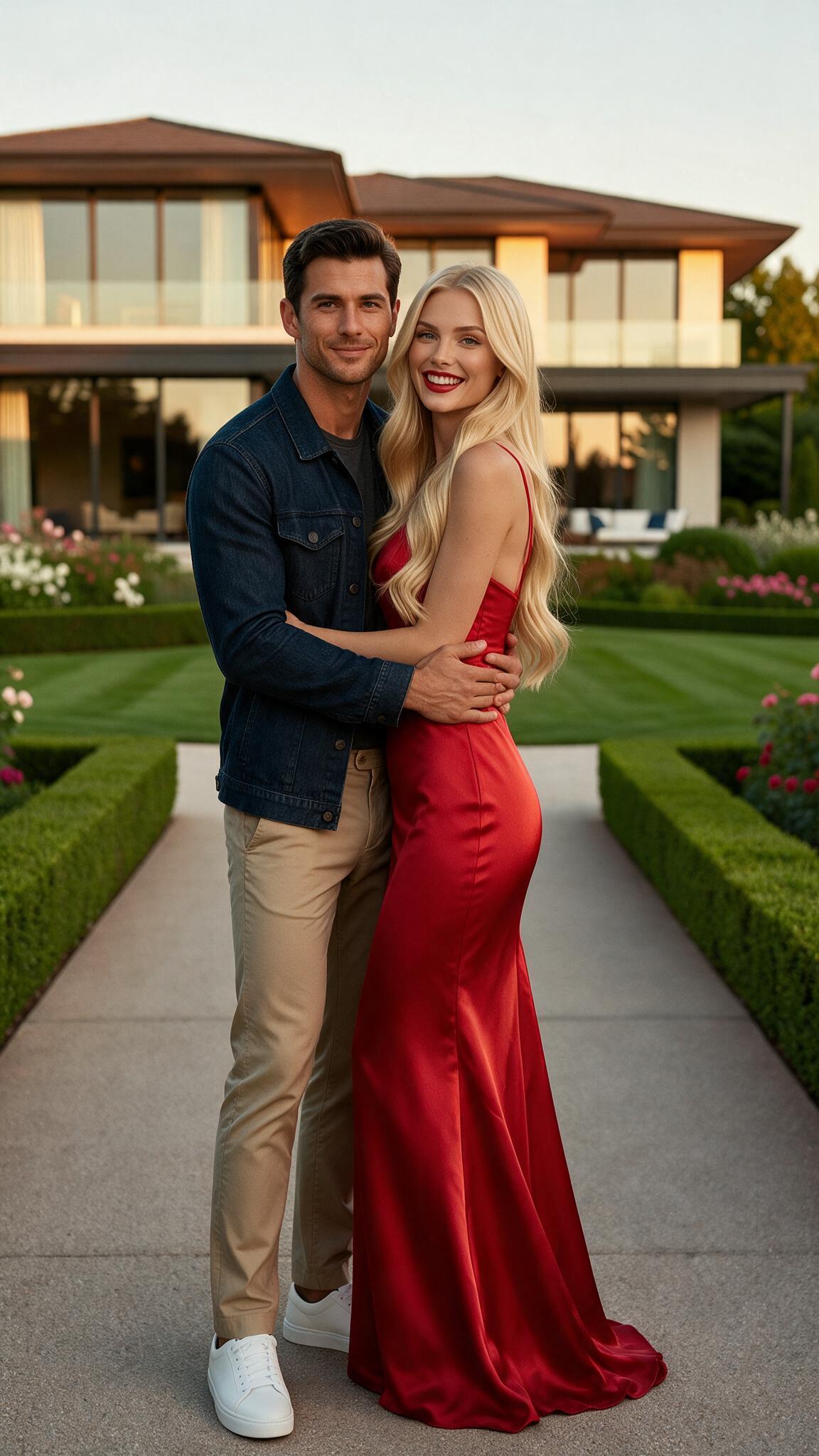
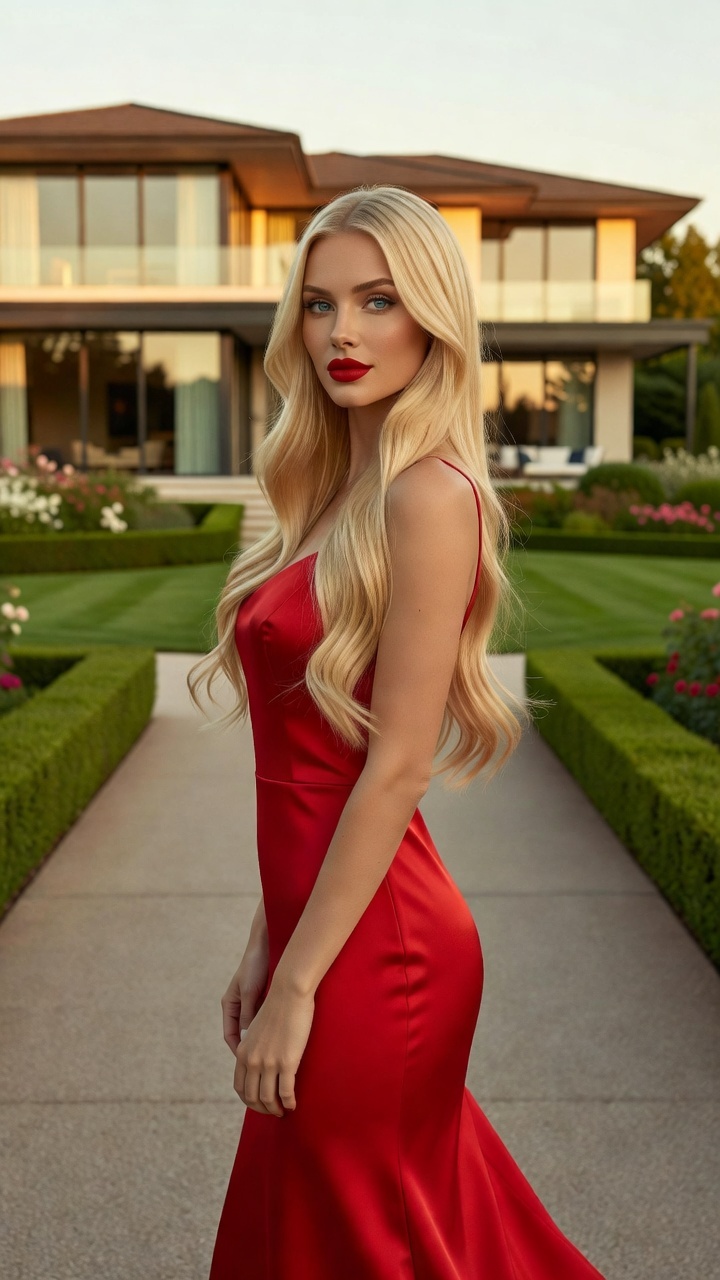
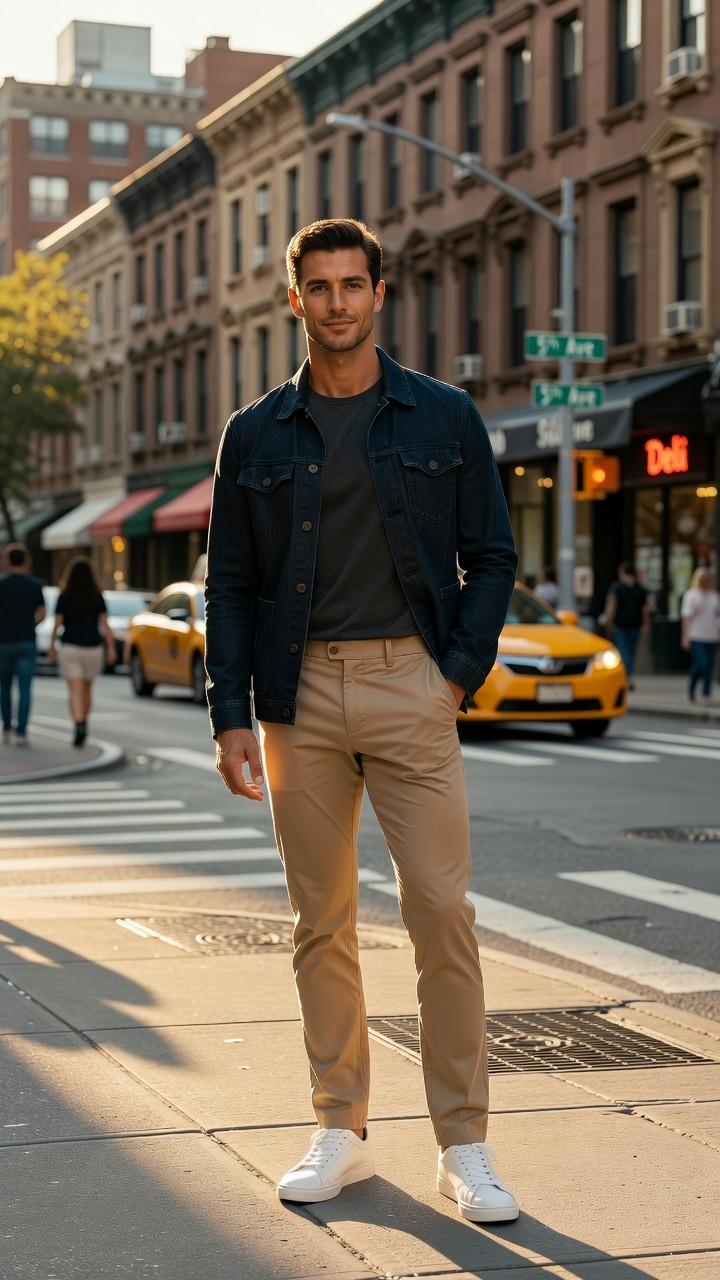
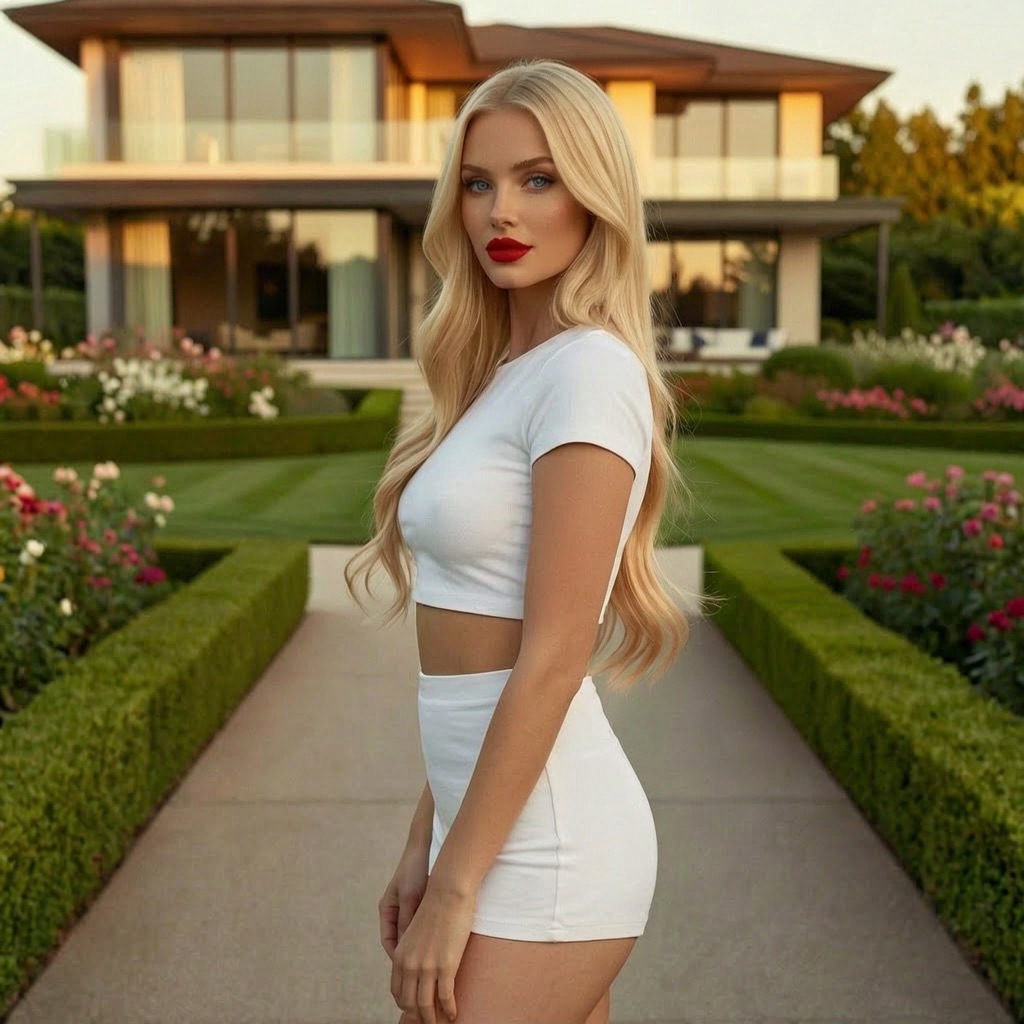
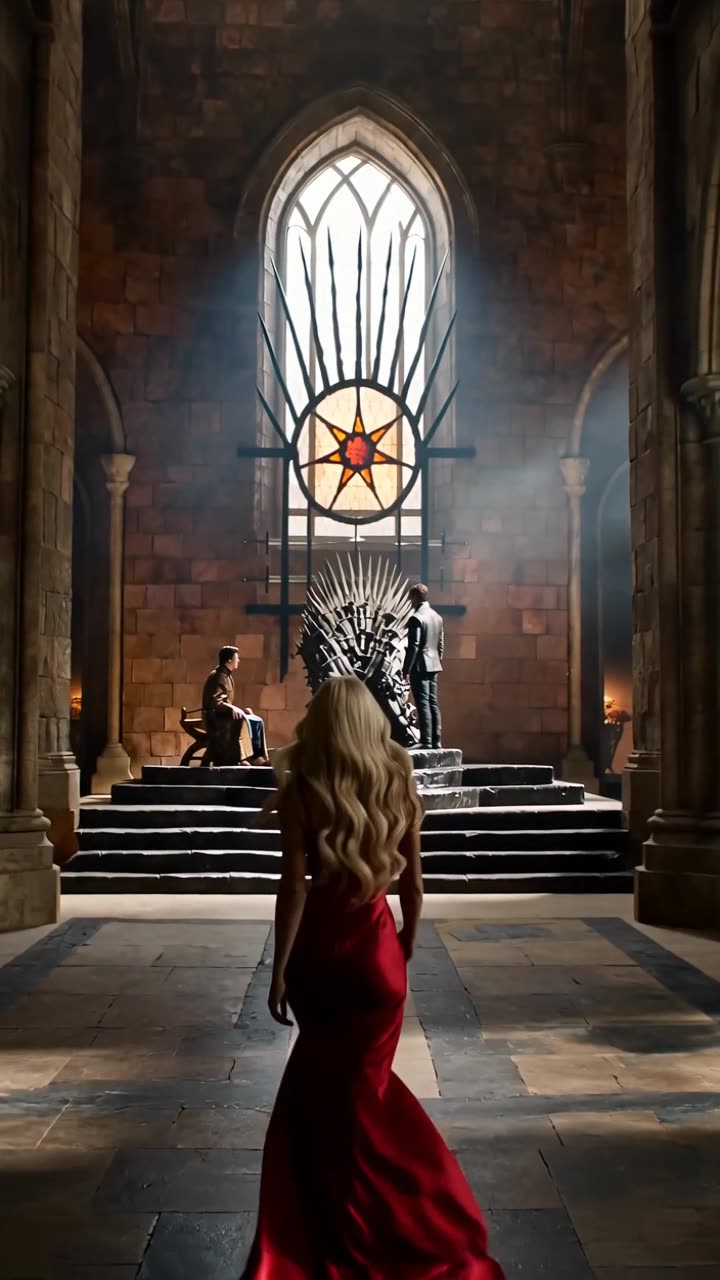
Reference 1: identity or characterReference 2: clothing, object, or styleOutput: the composed image
Prompt examples that work
Character and outfit
“Create a full-body portrait using the woman from the first reference and the red dress from the second reference. Preserve her identity and reproduce the dress shape and fabric accurately.”
Each reference has a single role and the success criteria are visible.
Two-character scene
“Place the two referenced characters together at a café table, both recognizable, photographed at eye level in warm evening light.”
It prioritizes identity separation, shared staging, and camera context.
Style reference
“Keep the canvas subject and composition, but render the final image in the color palette, brushwork, and texture of the final reference.”
It limits the style reference to visual treatment rather than content.
Tips for better results
Use visually distinct references with clear subjects and minimal obstruction.
Put the most important identity or composition in the canvas when possible.
Say exactly what not to borrow when a reference contains distracting clothing or backgrounds.
For several people, name their positions: left, center, right, foreground, or background.
Common mistakes to avoid
Uploading several similar images without explaining which detail comes from which one.
Expecting a style reference to preserve a person automatically.
Trying to solve composition, pose, wardrobe, background, lighting, and animation in the same generation.
Keep Smart Select enabled
Smart Select reads your prompt, the active tool, and attached media, then scores compatible models for the exact job. It usually saves credits by avoiding models that are a poor fit while improving the chance of a useful first result.
Continue your workflow
Build the result in stages instead of forcing every decision into one generation:
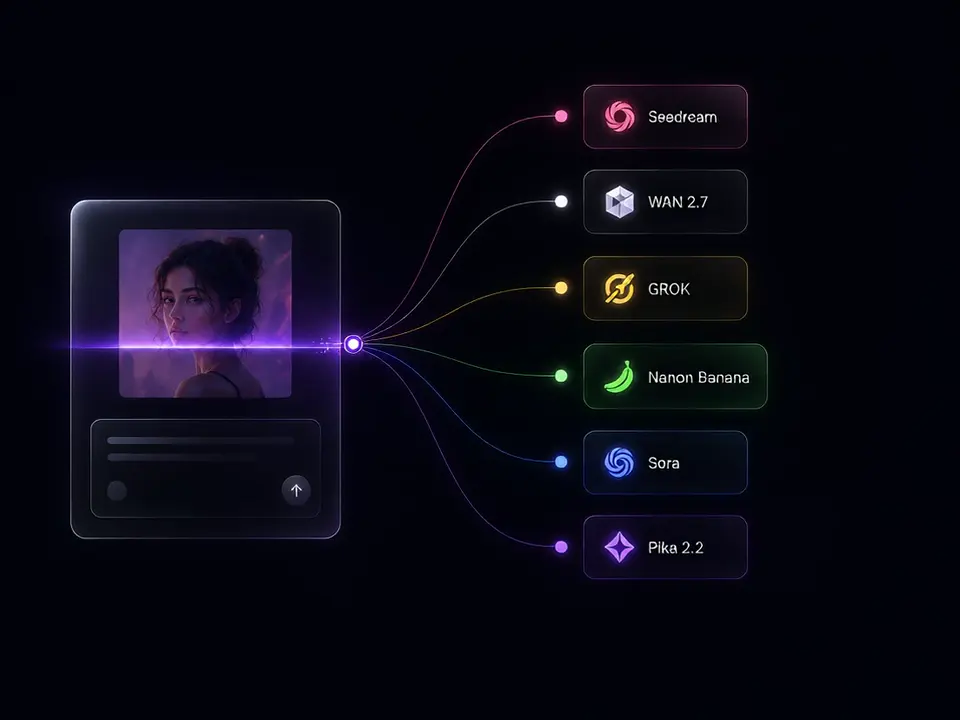
The Compose interface accepts up to four reference images in addition to the selected canvas.
Does the order of references matter?
Yes. References are sent in order, so describe them consistently as the first, second, third, or fourth reference shown in the editor.
Can I compose an image and animate it afterward?
Yes. This is one of the strongest workflows: create the still composition first, refine it with Edit, then select Animate.
Essayez gratuitement — 75 crédits à l'inscription
Générez des images et des vidéos avec les modèles 80+. Smart Select sélectionne et configure le bon modèle pour votre prompt. Aucune carte de crédit requise pour commencer.